
Smart Home Safety for Seniors: A Practical Guide to Safer Aging in Place
Key Takeaways
- Smart home devices like video doorbells, smart thermostats, smart pill dispensers, and voice activated assistants can significantly improve safety and independence for senior citizens who want to age in place. With the aging population growing, the adoption of these technologies is becoming increasingly important to support seniors’ safety and well-being. These technologies create a safety net around seniors, providing peace of mind for family, friends, and caregivers and allowing them to feel comfortable leaving their elderly loved ones at home.
- Smart homes work best when a few carefully chosen, easy-to-use devices are combined into a simple system rather than filling the house with unnecessary tech. Start with 3-5 core devices and expand only after the senior is comfortable.
- Families and caregivers should be able to receive emergency contact alerts-falls, missed medications, smoke, water leaks-directly on their phones in real time. This immediate notification can mean the difference between a minor incident and a serious emergency.
- Privacy, consent, and clear explanations for seniors are just as important as the technology itself when installing monitoring devices like cameras and sensors. Older adults should always understand what’s being collected and who can see it.
- This article walks you step-by-step through choosing, installing, and maintaining smart home devices that actually support safety, not confusion.
Introduction: Why Smart Home Safety Matters for Seniors in 2026
Picture Margaret, 78, living alone in the home she’s owned for 40 years. When she gets up at 2 a.m. for a bathroom trip, motion sensors automatically illuminate her hallway. Her smart stove shuts off automatically if she forgets a pot on the burner. When someone rings the doorbell, she checks her smart speaker’s screen from her armchair instead of rushing to the door. And if she ever falls, her watch will alert her daughter within seconds.
This isn’t science fiction—it’s what smart home technology makes possible today.
The stakes are high. By 2034, adults aged 65 and older will outnumber children under 18 in the United States for the first time in history. As the aging population grows, the need for smart home safety solutions becomes even more critical. By 2030, more than 20% of the population will be at retirement age, making smart home technology essential to creating safer, more efficient living environments for seniors. The demand for safe “age in place” strategies has never been greater.
What is a Smart Home?
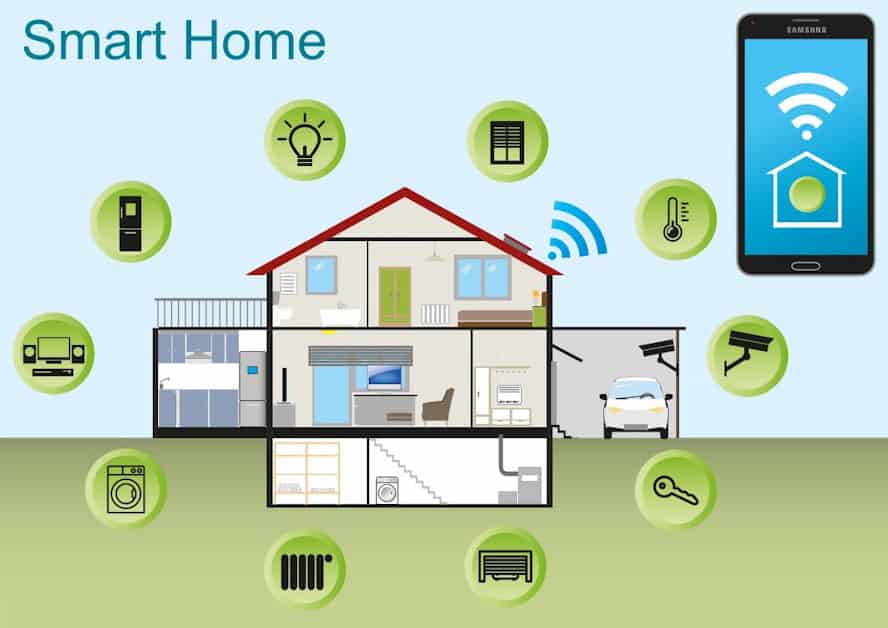
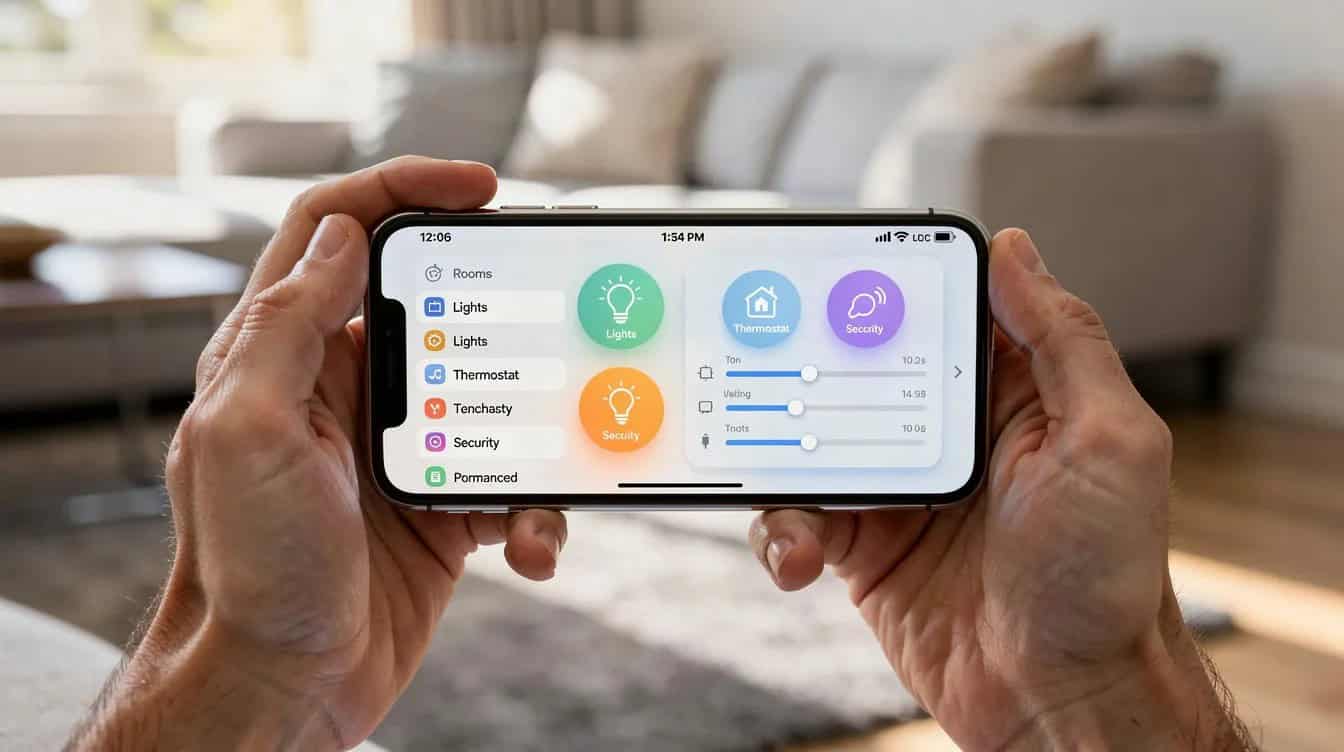
A smart home is simply a residence equipped with internet-connected devices—smart lights, smart thermostats, video doorbells, smart pill dispensers, smart stoves, sensors, and more—that automate tasks and send alerts. Smart home devices, such as voice-activated assistants and other smart home tech, allow seniors to manage their homes and communicate with family and caregivers using simple voice commands, enhancing their independence and connectivity.
Yet many older adults still own few or no smart home devices, often due to cost, complexity, or lack of awareness. However, seniors benefit greatly from these technologies, such as leak detectors and sleep tracking systems, which offer safety, health, and maintenance advantages. As awareness of these benefits increases, adoption among seniors is likely to grow. This article demystifies your options.
By the end, you’ll know which smart devices truly improve safety, how to set them up simply, and how to balance safety with privacy.
Core Safety Risks for Seniors at Home
Before diving into solutions, it helps to understand what you’re protecting against. The most common in-home dangers for older adults include:
Falls remain the leading cause of injury among seniors, with more than one in four people aged 65 and older experiencing a fall each year, according to the CDC Foundation. Over 14 million older adults report at least one fall annually, and about 37% of those falls lead to injuries requiring medical attention. Every 19 minutes, an elderly person dies from injuries sustained in a fall, highlighting the critical need for fall prevention measures in homes for seniors, as reported by the National Council on Aging. Everyday tasks such as moving around the house or managing household chores can become hazardous, especially for those facing mobility challenges.
Medication errors are alarmingly common among seniors taking multiple daily prescriptions. Studies show that even with simple weekly pill organizers, between 32% and 47% of users make meaningful errors over time.
Kitchen fires often result from stoves left on unattended—a risk that increases with age-related memory changes.
Temperature extremes pose serious threats. Older adults have impaired thermoregulatory responses and are more likely to take medications that complicate thermal stress. A significant proportion of heat-related deaths occur indoors.
Delayed emergency response can turn a manageable fall into a life-threatening situation when seniors living alone can’t reach a phone.
Addressing Risk
Personal safety is a top concern for older family members, making it crucial to address these risks proactively. Smart home devices that can prevent, detect, or call for help in the event of a fall are essential for creating a safer home environment for seniors. However, smart devices should complement—not replace—basic home safety upgrades like grab bars, good lighting, and decluttering. When choosing smart home solutions, senior safety should always be a guiding principle to ensure independence and peace of mind.
Essential Smart Devices for Safer Aging in Place
This section covers the “must-have” list: a focused set of smart devices with the strongest impact on safety rather than every gadget on the market. Automated systems are integral to smart home safety for seniors, as they can detect hazards like falls, smoke, or carbon monoxide, and provide emergency alerts and security features.
Each device type is described in plain language with concrete examples. We’ll cover:
- Emergency contact systems and fall detection
- Video doorbells and smart locks
- Smart lighting and smart thermostats
- Kitchen safety tools (smart stoves, smart plugs, leak detectors)
- Medication safety (smart pill dispensers)
- Health monitoring devices
The goal is practical guidance on what each device does for a typical senior—not technical specifications.
Emergency-Contact Systems and Fall Detection
Modern emergency response systems have evolved far beyond the traditional “I’ve fallen and I can’t get up” pendants. Today’s options include:
- Wrist-worn devices with automatic fall detection
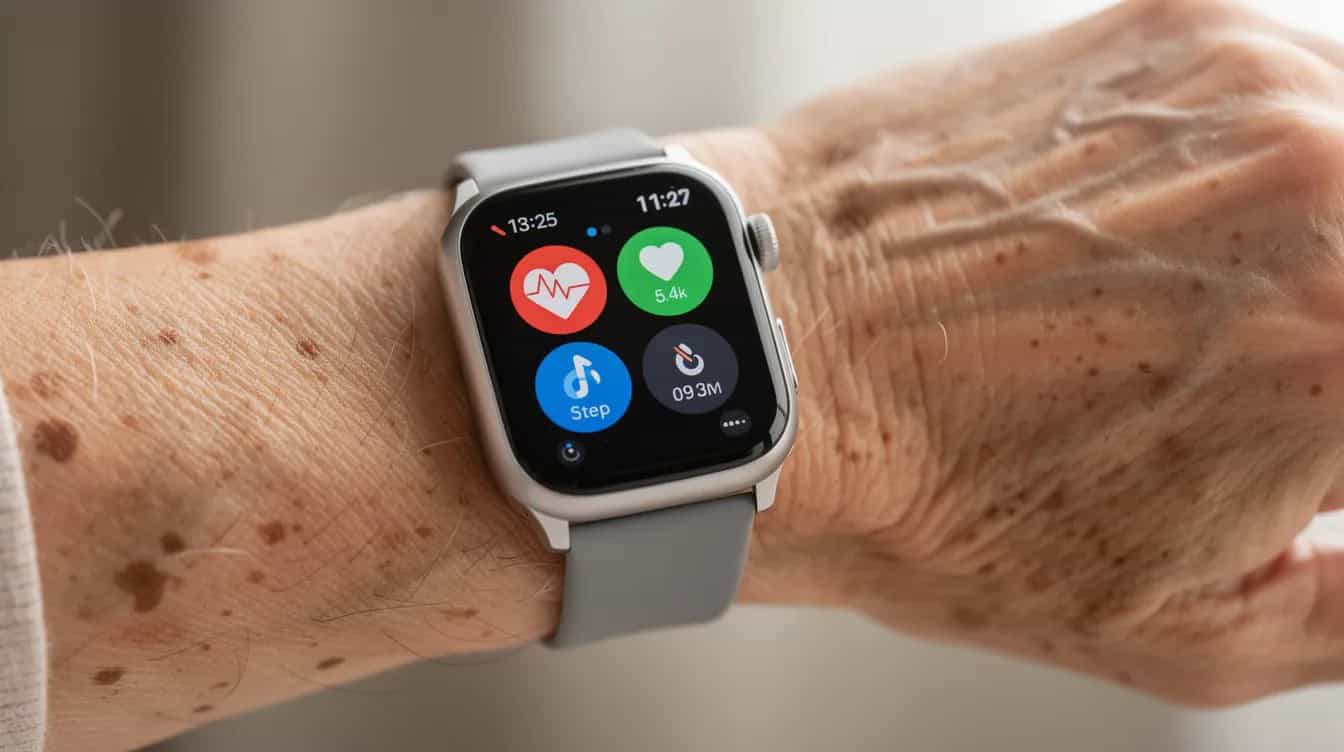
- Smartwatches, such as the Apple Watch, with automatic fall detection, crash detection, emergency calling features, and the ability to share medical information with responders, providing safety both indoors and outdoors
- Voice activated assistants connected to emergency services
- Radar sensors that can detect falls without cameras, enhancing privacy for seniors
Fall detection works through motion sensors and algorithms that detect sudden changes in movement and orientation. When the device senses a hard fall, it can automatically contact emergency services and family members—even if the senior is unconscious or unable to reach a phone. These systems can also alert caregivers immediately in case of emergencies, ensuring a prompt response.
These systems can notify multiple emergency contacts (family, neighbors, caregivers) by text or smartphone app when a fall, possible stroke, or unusual lack of movement is detected. Many devices can send smartphone alerts to caregivers and family members in real time when emergencies or unusual activity are detected. Smart speakers can integrate with emergency systems allowing seniors to request help without needing a phone.
Placement tips:
- Ensure coverage in bathrooms, bedrooms, and on stairs
- Choose devices with backup battery or cellular options for homes with unreliable Wi-Fi
- Test the system monthly to ensure it’s working
A 2025 meta-analysis evaluating 13 studies found significant evidence that smart home technologies reduce fall incidence in both community dwellings and institutional settings for seniors.
Video Doorbells and Smart Locks for Front-Door Security
Video doorbells are Wi-Fi-enabled doorbells with built-in cameras and two-way audio. These doorbells enable seniors to see and communicate with visitors without needing to physically answer the door, providing both convenience and security. They can screen visitors from anywhere using a smartphone, tablet, or smart screen. For seniors with mobility challenges, video doorbells make it easier to monitor and respond to visitors without the need to move to the door, reducing physical effort and increasing accessibility.
Safety benefits include:
- Screening unknown visitors before opening the door
- Avoiding phone calls and in-person scams
- Reducing fall risk from rushing to answer the door
- Monitoring package deliveries
Smart locks allow seniors to lock and unlock doors remotely, providing peace of mind and convenience, especially for caregivers who may need to grant access to health aides or family members. These devices can be controlled remotely by caregivers or family members, ensuring that access can be managed even when seniors are not able to do so themselves. Smart locks allow seniors to manage their home security remotely, enabling them to grant access to caregivers or family members without needing to be physically present. Many offer time-limited access codes for aides, cleaners, or meal delivery services.
What to look for:
- Video doorbells with clear 1080p or 2K video and motion alerts
- Simple companion app interfaces with large icons
- Smart locks with physical key backup and large-number keypads
Privacy note: Enable two-factor authentication, use strong passwords, and only share access with trusted people.
Smart Lighting and Smart Thermostats to Prevent Falls and Health Crises
Motion-activated lighting automatically illuminates pathways, reducing nighttime trip hazards. Motion-activated smart lights can significantly reduce the risk of nighttime falls-one of the most effective environmental modifications available.
Examples include:
- Motion-activated hall lights for nighttime bathroom trips
- Voice-activated bedroom lights controlled via a smart speaker
- Scheduled porch lights that turn on at sunset
Smart thermostats automatically manage heating and cooling, learn preferences, and can be adjusted remotely by family members to prevent dangerous cold or heat for seniors. During heat waves or cold snaps, a caregiver can check the indoor temperature from across town and adjust it remotely.
Benefits for older adults:
- No need to walk to wall thermostats
- Maintains safe indoor temperatures automatically
- Sends alerts for extreme temperature changes
- Reduces energy usage through efficient scheduling
Setup tips: Choose devices with large, readable smartphone app interfaces, set default schedules matching typical sleep/wake times, and ensure manual override options remain available.
Kitchen Safety: Smart Stoves, Smart Plugs, and Leak Detectors
Smart stoves and add-on stove monitoring devices can automatically shut off the stove if no motion is detected in the kitchen for a set period. This dramatically reduces fire risk from unattended cooking—one of the most common dangers for seniors.
Smart plugs control small kitchen appliances like kettles, coffee makers, toasters, and space heaters. They allow automatic shutoff and remote checks if a device was left on, and can even automate routines such as starting a coffee maker in the morning for added convenience.
Smart refrigerators, as part of a connected kitchen, offer features like inventory tracking and remote monitoring, helping seniors manage food and kitchen tasks more efficiently.
Using smart leak detectors placed under sinks, dishwashers, or near water heaters your can receive instant phone alerts and sound alarms if they detect water, preventing floods and mold damage.
Smart smoke and carbon monoxide detectors send immediate alerts to seniors and caregivers’ phones—a critical upgrade from traditional detectors that only sound a loud alarm in the home.
Practical approach: Start with 1-2 high-risk appliances for smart plug control instead of trying to automate the entire kitchen at once. For gas stoves or major electrical work, professional installation is recommended, especially in older homes.
Medication Safety: Smart Pill Dispensers and Reminder Tools
Smart pill dispensers are locked or compartmentalized devices that release the right pills at the right time, paired with lights, beeps, or voice alerts, and sometimes caregiver notifications when doses are missed.
Smart pill dispensers can hold up to 90 days’ worth of medications and provide reminders to ensure seniors take their medications on time, which is crucial for their health management. This is especially important for seniors taking multiple daily medications, particularly those with mild cognitive impairment or complex dosing schedules.
Features to look for:
- Clear, large text displays
- Audible volume suitable for hearing-impaired users
- Battery backup
- Smartphone alerts to emergency contacts when doses are missed
Research shows that features combining automation with real-time caregiver notification are significantly more effective than apps alone-especially when the senior has cognitive decline.
Simpler alternatives include smartphone reminders, talking clocks, or voice activated assistants setting recurring medication reminders. The right choice depends on the senior’s cognitive abilities and medication complexity.
How Voice Activated Assistants and Smart Speakers Support Daily Living
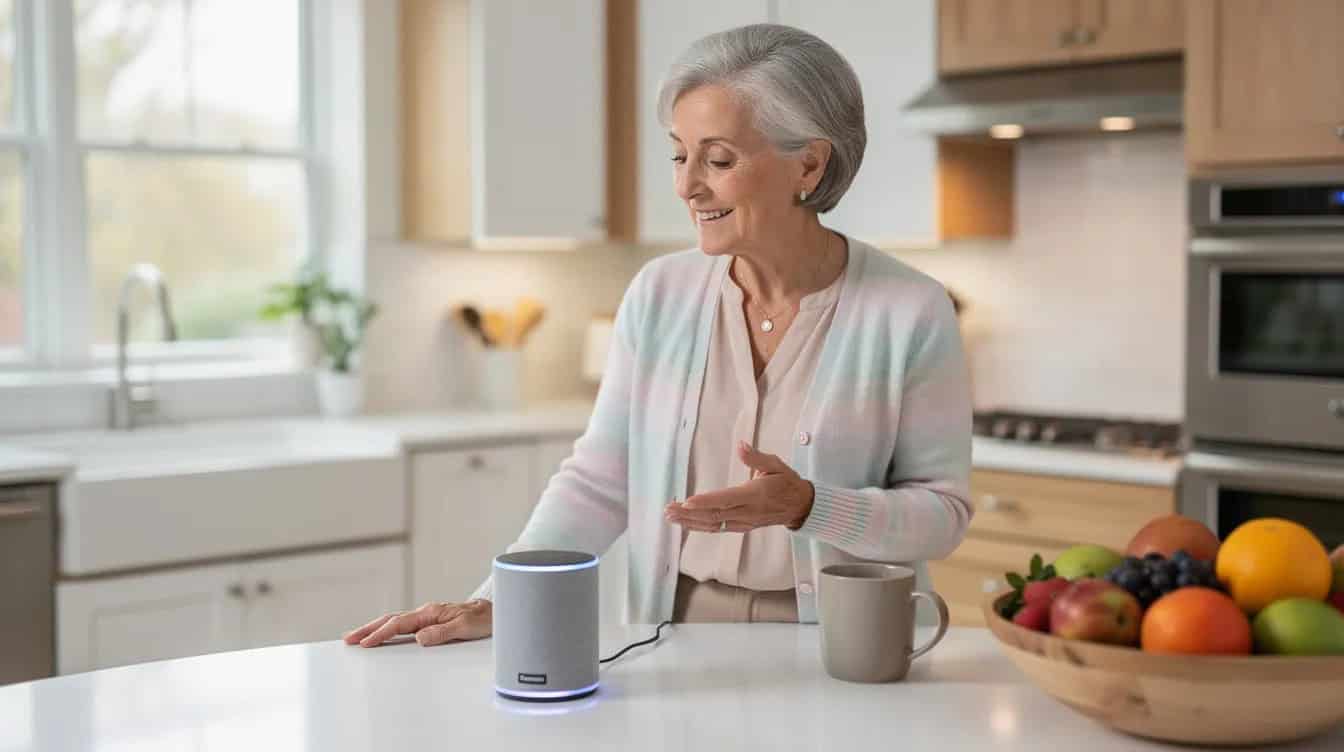
Voice assistants—such as Amazon Alexa, Google Assistant, and Apple’s Siri—power smart speakers and smart displays, providing hands-free control of the entire smart home and making it easier for seniors to manage everyday tasks.
Core safety-related uses:
- Calling for help in emergencies
- Turning smart lights on from bed or a chair using voice control
- Locking doors via voice command
- Adjusting smart thermostats
- Checking who is at the video doorbell
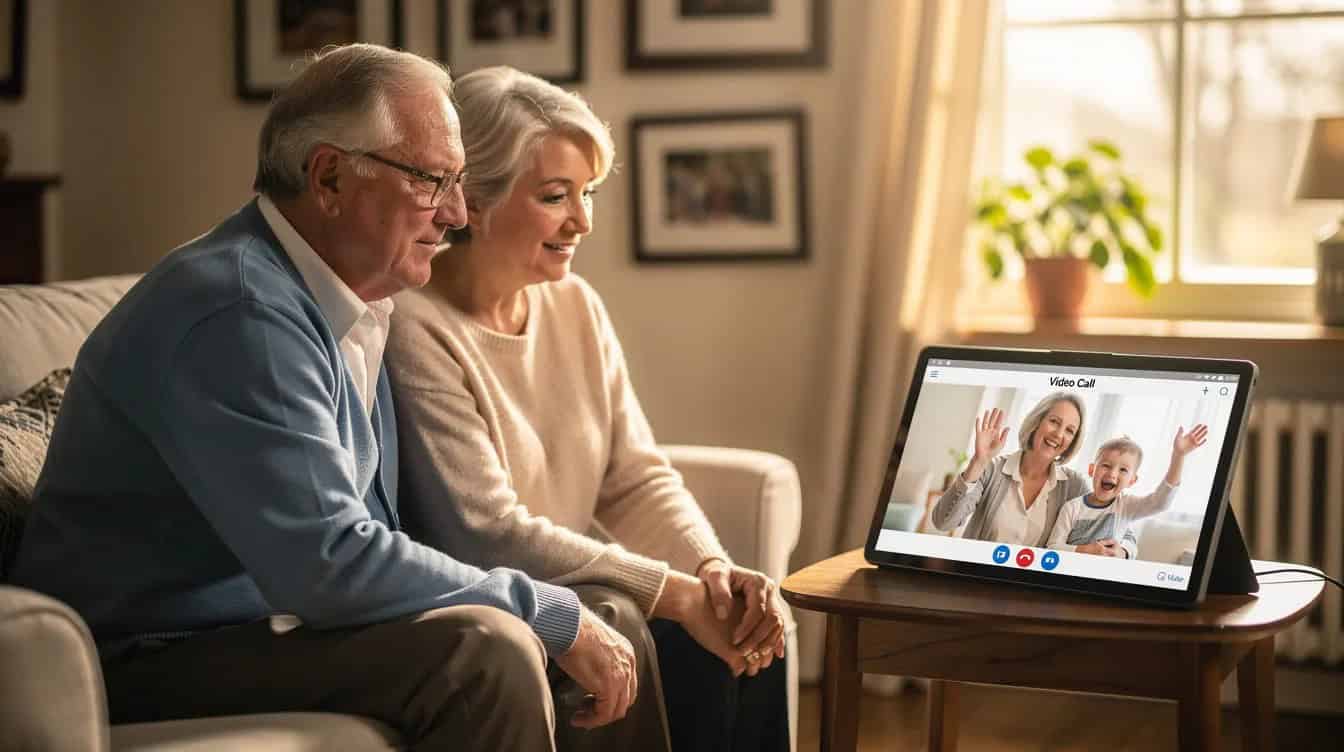
Smart speakers and screens facilitate video and voice calls, allowing seniors to stay connected with family and friends, which is crucial for reducing feelings of isolation.
Convenience benefits include:
- Setting medication and appointment reminders
- Creating grocery lists
- Setting timers while cooking
- Playing news or music to reduce loneliness
- Using voice assistants to help with everyday tasks like managing schedules, controlling devices, and communicating easily
Accessibility features make these devices particularly senior-friendly: large on-screen text on smart displays, simple voice commands, and multi-language support.
Everyday phrases seniors can use:
- “Turn on the hallway light”
- “Call my daughter”
- “What’s the temperature in the living room?”
- “Lock the front door”
- “Set a reminder to take my medication at 8 a.m.”
Planning a Simple Smart Home Setup for Seniors
Before purchasing any smart home devices, start with a home safety walkthrough to identify priority risks: dark hallways, confusing stove controls, medication challenges, unreliable locks, temperature regulation issues.
A phased approach works best:
Phase | Devices | Purpose |
|---|---|---|
Phase 1 | Smart lighting, smart thermostat, emergency contact device | Basic safety foundation |
Phase 2 | Video doorbell, smart locks | Front door security |
Phase 3 | Smart stove monitor, smart pill dispenser | Kitchen and medication automation |
Limit the initial setup to 3-5 smart home devices to avoid overwhelming the senior. Smart home devices create a net of safety around seniors, providing peace of mind for family and friends, and allowing seniors to live independently for longer periods. By supporting aging in place, smart home technology can help seniors avoid or delay the emotional and financial challenges of relocating to an assisted living facility. Andy Miller, senior vice president at AARP Innovation Labs, recommends involving seniors in technology decisions to ensure solutions truly meet their needs. Then expand only after they’re comfortable with the basics.
Documentation tip: Create a printed “smart home cheat sheet” with device names, locations, and logins in large font. Then store it near the main phone or refrigerator.
Most importantly, involve the senior in every choice. Effective smart home systems can be personalized to meet individual needs, ensuring better usability for seniors. Devices must match their routines, physical abilities, and comfort with technology.
Installation, Setup, and Ongoing Support
Good installation is as important as choosing the right device. Because poor placement or confusing apps can make even the best smart home devices useless.
Basic requirements:
- Reliable home Wi-Fi (consider mesh systems for larger homes)
- Accessible power outlets
- A smartphone or tablet that at least one trusted person (family caregiver or neighbor) can use to manage devices
Common setup steps:
- Download the companion app for each device
- Create accounts with strong, unique passwords
- Connect devices to Wi-Fi following app instructions
- Test all alerts: falls, smoke, leaks, doorbell, pill reminders
- Add family members as emergency contacts in each app
Training is essential: Sit with the senior to practice voice commands, responding to alerts, and using physical buttons. Keep written instructions in large text with step-by-step checklists.
Smart home technology can assist caregivers by providing real-time updates on seniors’ health and safety, reducing the need for constant supervision. Devices like health monitoring systems and two-way video communication help caregivers monitor the well-being of seniors remotely, ensuring they are safe and healthy.
Establish an “IT helper”-a family member, neighbor, or professional-who will handle updates, troubleshoot issues, and review alerts every 3-6 months.
Balancing Safety, Privacy, and Dignity
Common privacy worries among older adults include feeling watched, being recorded, or losing control over their own home due to cameras and sensors. These concerns are legitimate and deserve respect.
Ethical essentials:
- Older adults should understand what devices are installed
- They must know what data is collected and who can see it
- They should know how long recordings are stored
- They must be able to disable or restrict features they’re uncomfortable with
Smart indoor cameras provide peace of mind by allowing caregivers to monitor the home remotely, ensuring that seniors are safe and that caregivers can check on their well-being without being intrusive. However, cameras should be used thoughtfully.
Practical compromises:
- Favor motion sensors or contact sensors over cameras in private spaces (bathrooms, bedrooms)
- Limit indoor security cameras to shared areas like living rooms or kitchens
- Disable audio recording where possible
- Use radar-based fall detection instead of cameras for privacy
Hold regular family conversations about which alerts are useful versus intrusive. Adjust settings if the senior feels uncomfortable.
Cybersecurity basics:
- Use unique passwords for each device and account
- Enable two-factor authentication wherever available
- Keep device firmware updated
- Never share account details over phone calls or email
- Be wary of unsolicited tech support calls
Smart home technology enhances seniors’ independence by automating tasks and providing greater environmental control, which helps improve safety through devices such as emergency alerts and home monitoring systems. The goal is support, not surveillance.
Frequently Asked Questions
What is the minimum smart home setup that can significantly improve safety for a senior living alone?
A practical “starter safety kit” typically includes four elements:
- One emergency-contact or fall-detection device (wearable or voice-controlled)
- A video doorbell for front door security
- Smart lighting in key pathways (hallway, bathroom, stairs)
- A smart thermostat for temperature regulation
- One voice activated assistant or smart speaker to tie them together
This combination addresses the most serious risks-falls, intruders or scams, temperature extremes, and delayed emergencies-without overcomplicating the home. Smart home devices can significantly enhance the safety and independence of seniors by automating daily tasks and providing immediate access to help in emergencies.
Are smart home devices really easy enough for seniors who aren’t tech-savvy?
Many smart home devices made after 2024 are specifically designed with older adults in mind. They feature large icons, simplified apps, clear voice prompts, and minimal on-device buttons.
When choosing devices, look for:
- Full voice control capability
- Customer reviews mentioning “easy for my parents” or “my grandmother loves it”
- Remote management options so a caregiver can adjust settings
- Large, high-contrast displays
- Physical buttons as backup to voice and app control
Home security systems provide more than just protection from break-ins; they also include sensors that notify homeowners when doors or windows are left open, and can integrate with other smart home devices for comprehensive monitoring.
How much should families budget to add smart home safety features for aging in place?
For a basic safety setup in 2026, expect to budget:
Category | Estimated Cost |
|---|---|
Smart speaker/voice assistant | $30-$80 |
Motion-activated smart lights (2-3) | $40-$100 |
Smart thermostat | $150-$250 |
Video doorbell | $100-$200 |
Fall detection wearable | $100-$300 |
Basic total | $420-$930 |
Adding smart locks, smart pill dispensers, smart stove monitors, and other devices can bring the total to $1,500-$2,500.
Ongoing costs include cloud video storage ($5-$15/month), professional monitoring plan fees, and subscription-based smart pill dispenser services. Prioritize devices that offer real safety benefits over nice-to-have conveniences.
Can smart home devices work in older homes with weak Wi-Fi or no smartphone use by the senior?
Yes, with some adjustments. Many solutions work when at least one caregiver has a smartphone and mobile device to manage the system remotely.
For weak Wi-Fi:
- Upgrade to a mesh Wi-Fi system
- Add Wi-Fi extenders in key areas
- Choose devices with cellular backup
For seniors without smartphones:
- Select devices with local alarms (loud alarm sounds, flashing lights)
- Ensure physical buttons allow basic control
- Have the family caregiver manage apps and receive alerts
Many devices require only initial smartphone setup and can then operate via voice command or physical controls.
How can families test that smart home safety devices are actually working before an emergency happens?
Create a quarterly “safety drill” checklist:
- [ ] Press the emergency contact button and verify alerts reach all contacts
- [ ] Trigger a test alert on the video doorbell
- [ ] Walk past motion lights at night to confirm they activate
- [ ] Simulate a missed medication with the smart pill dispenser
- [ ] Test that smoke alarm alerts reach your phone
- [ ] Verify voice commands work for lights, locks, and calling
Document test results and adjust notification settings, volumes, or device placements based on what doesn’t work as expected. Smart home solutions only provide safety when they’re properly maintained and regularly tested.
Smart home safety for seniors isn’t about filling your loved one’s home with the latest gadgets. It’s about choosing a few well-designed devices that address real risks-falls, medication errors, temperature extremes, and delayed emergencies-while respecting privacy and dignity.
Start small. Involve your loved one in every decision. Build gradually as comfort grows.
The technology exists to help seniors live independently for longer periods in their own homes. The question is whether we’ll take the time to set it up thoughtfully.
Your next step: Schedule a home safety walkthrough with your parent or loved one this week. Identify the top three risks, then choose one smart device to address each. That’s all it takes to begin creating a safer environment for everyday life.
Disclosure: Some of the links in this article may be affiliate links, which can provide compensation to us at no cost to you if you decide to purchase. This site is not intended to provide financial advice. You can read our affiliate disclosure in our privacy policy.
